# web-animation-club
[](https://travis-ci.org/rcaferati/web-animation-club) 
Tiny `~0.8kb` javascript library with cross-browser methods to handle CSS `ontransitionend` and `onanimationend` events. AKA css animation and transition callbacks.
## Quick usage
Quick usage example of the `onceTransitionEnd` wac method.
```javascript
wac.onceTransitionEnd(element).then(function(event) {
// ... do something
});
```
## Live Demo
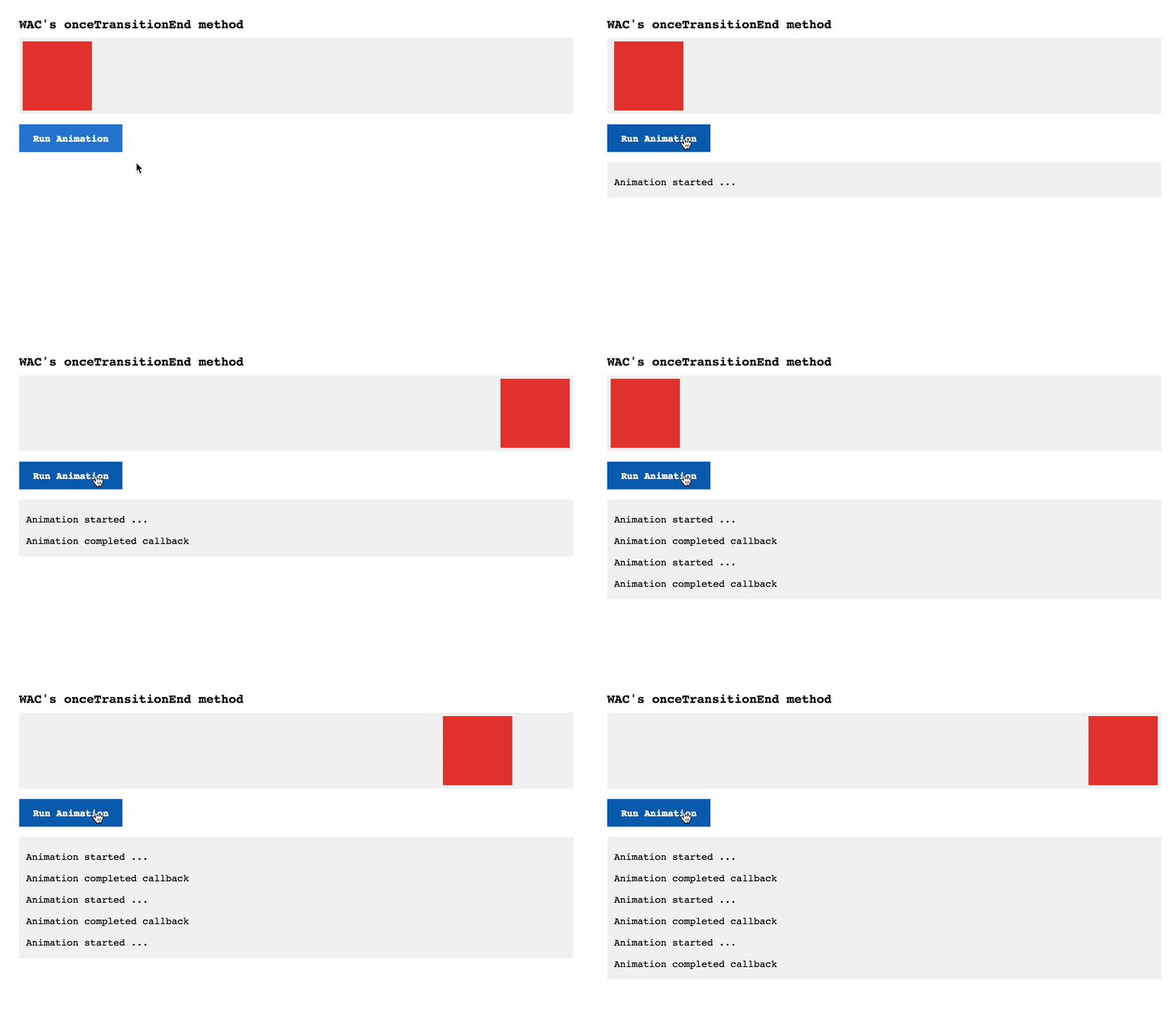
Access the demo at [https://webanimation.club](https://webanimation.club)
[ ](https://webanimation.club)
## Installation
#### From the `dist` file
Just load directly in your `HTML` the `web-animation-club.min.js` javascript file located on the `dist` folder.
```html
...
...
```
#### NPM Registry
From the `NPM registry` using npm or yarn just install the `web-animation-club` package.
```
npm install --save web-animation-club
```
or
```
yarn add --save web-animation-club
```
## Basic Usage
For all the following examples please consider the following HTML markup.
```html
```
#### HTML with ES5
```html
```
#### Javascript ES6
```jsx
import { onceTransitionEnd } from 'web-animation-club';
const element = document.querySelector('.box');
// here we're just simulating the addition of a class with some animation/transition
element.classList.add('animated');
element.classList.add('move');
// if you are using the transition css property
onceTransitionEnd(element).then((event) => {
// ... do something
});
```
## WAC methods
#### onceTransitionEnd(element, options)
- `element` <[HTML element]> html element on which the transition is happening
- `options` <[object]>
- `tolerance` <[integer]> used in case of pseudo-element animations
- `property` <[string]> animated property to check before calling the callback
#### onceAnimationEnd(element, options)
- `element` <[HTML element]> html element on which the transition is happening
- `options` <[object]>
- `tolerance` <[integer]> used in case of pseudo-element animations
- `property` <[string]> animated property to check before calling the callback
#### beforeFutureCssLayout(frames, callback)
- `frames` <[integer]> Number of frames to skip
- `callback` <[function]> function called after the skipped frames
#### beforeNextCssLayout(callback)
- `callback` <[function]> function called after the skipped frame
## Author
#### Rafael Caferati
+ Checkout my Full-Stack Web Developer Website
+ Other open source projects @ Code Laboratory
+ A scope of my work @ Web Portfolio
## License
MIT. Copyright (c) 2018 Rafael Caferati.
](https://webanimation.club)
## Installation
#### From the `dist` file
Just load directly in your `HTML` the `web-animation-club.min.js` javascript file located on the `dist` folder.
```html
...
...
```
#### NPM Registry
From the `NPM registry` using npm or yarn just install the `web-animation-club` package.
```
npm install --save web-animation-club
```
or
```
yarn add --save web-animation-club
```
## Basic Usage
For all the following examples please consider the following HTML markup.
```html
```
#### HTML with ES5
```html
```
#### Javascript ES6
```jsx
import { onceTransitionEnd } from 'web-animation-club';
const element = document.querySelector('.box');
// here we're just simulating the addition of a class with some animation/transition
element.classList.add('animated');
element.classList.add('move');
// if you are using the transition css property
onceTransitionEnd(element).then((event) => {
// ... do something
});
```
## WAC methods
#### onceTransitionEnd(element, options)
- `element` <[HTML element]> html element on which the transition is happening
- `options` <[object]>
- `tolerance` <[integer]> used in case of pseudo-element animations
- `property` <[string]> animated property to check before calling the callback
#### onceAnimationEnd(element, options)
- `element` <[HTML element]> html element on which the transition is happening
- `options` <[object]>
- `tolerance` <[integer]> used in case of pseudo-element animations
- `property` <[string]> animated property to check before calling the callback
#### beforeFutureCssLayout(frames, callback)
- `frames` <[integer]> Number of frames to skip
- `callback` <[function]> function called after the skipped frames
#### beforeNextCssLayout(callback)
- `callback` <[function]> function called after the skipped frame
## Author
#### Rafael Caferati
+ Checkout my Full-Stack Web Developer Website
+ Other open source projects @ Code Laboratory
+ A scope of my work @ Web Portfolio
## License
MIT. Copyright (c) 2018 Rafael Caferati.