


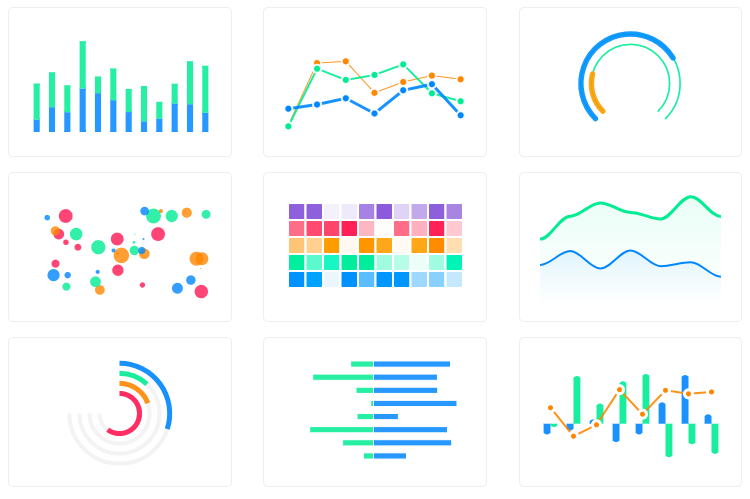
React.js wrapper for ApexCharts to build interactive visualizations in react.
## Download and Installation
##### Installing via npm
```bash
npm install react-apexcharts apexcharts
```
## Usage
```js
import Chart from 'react-apexcharts'
```
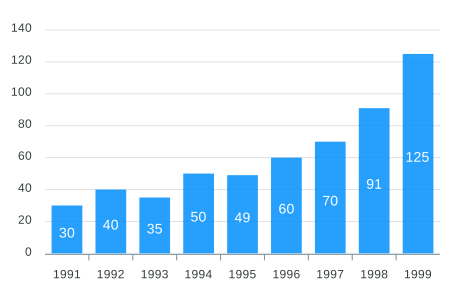
To create a basic bar chart with minimal configuration, write as follows:
```javascript
class App extends Component {
constructor(props) {
super(props);
this.state = {
options: {
chart: {
id: 'apexchart-example'
},
xaxis: {
categories: [1991, 1992, 1993, 1994, 1995, 1996, 1997, 1998, 1999]
}
},
series: [{
name: 'series-1',
data: [30, 40, 35, 50, 49, 60, 70, 91, 125]
}]
}
}
render() {
return (
)
}
}
```
This will render the following chart
### How do I update the chart?
Simple! Just change the `series` or any `option` and it will automatically re-render the chart.
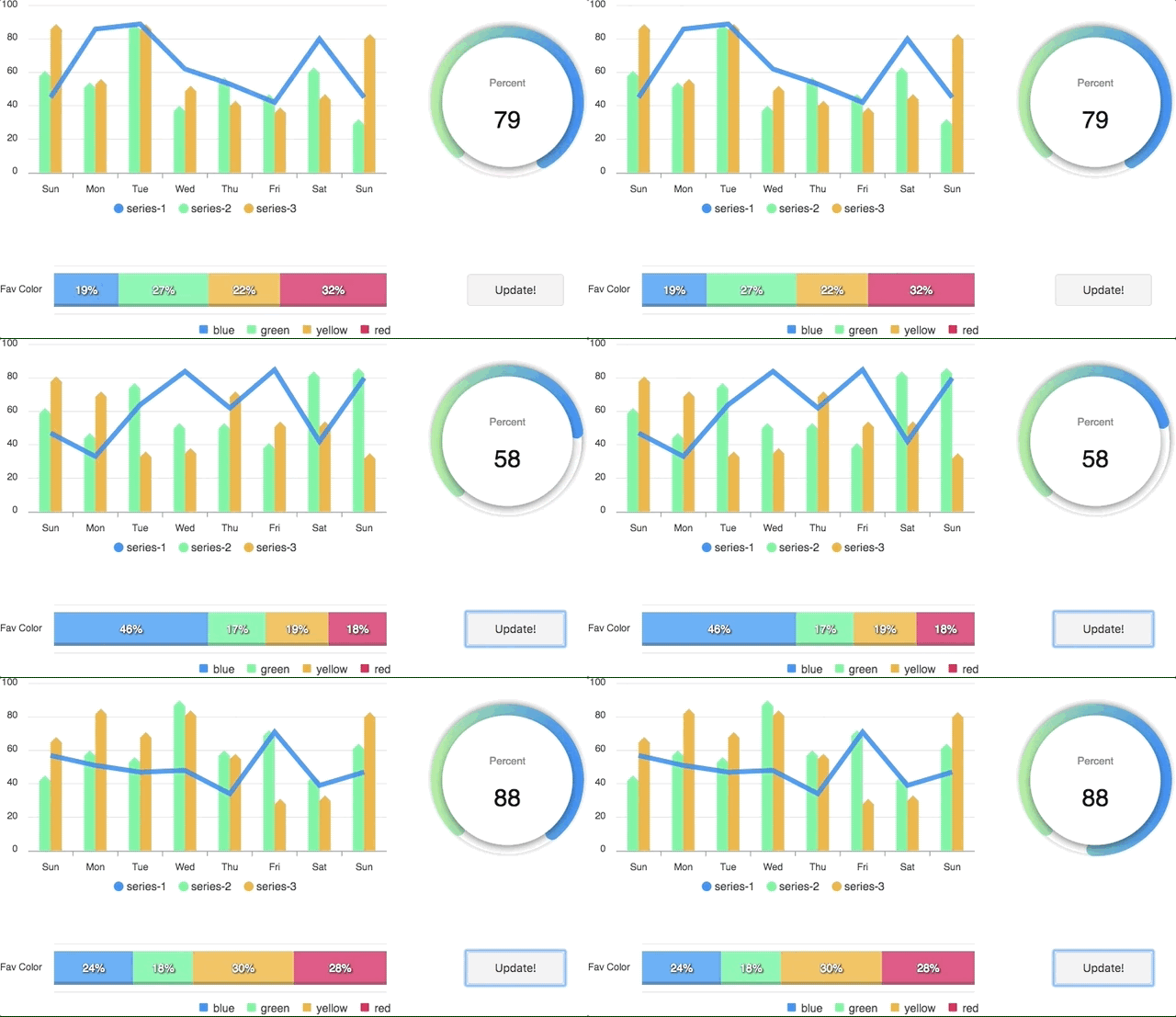
View this example on codesandbox
**Important:** While updating the options, make sure to update the outermost property even when you need to update the nested property.
✅ Do this
```javascript
this.setState({
options: {
...this.state.options,
xaxis: {
...this.state.options.xaxis,
categories: ['X1', 'X2', 'X3']
}
}
})
```
❌ Not this
```javascript
this.setState({
options.xaxis.categories: ['X1', 'X2', 'X3']
})
```
## Props
| Prop | Type | Description |
| ------------- |-------------| -----|
| **series** | `Array` | The series is a set of data. To know more about the format of the data, checkout [Series docs](https://apexcharts.com/docs/series/) on the website. |
| **type** | `String` | `line`, `area`, `bar`, `pie`, `donut`, `scatter`, `bubble`, `heatmap`, `radialBar` |
| **width** | `Number or String` | Possible values for width can be `100%`, `400px` or `400` (by default is `100%`) |
| **height** | `Number or String` | Possible values for height can be `100%`, `300px` or `300` (by default is `auto`) |
| **options** | `Object` | The configuration object, see options on [API (Reference)](https://apexcharts.com/docs/options/chart/type/) |
## How to call methods of ApexCharts programmatically?
Sometimes, you may want to call other methods of the core ApexCharts library, and you can do so on `ApexCharts` global variable directly
Example
```js
ApexCharts.exec('reactchart-example', 'updateSeries', [{
data: [40, 55, 65, 11, 23, 44, 54, 33]
}])
```
More info on the `.exec()` method can be found here
All other methods of ApexCharts can be called this way
## What's included
The repository includes the following files and directories.
```
react-apexcharts/
├── dist/
│ ├── react-apexcharts.min.js
│ └── react-apexcharts.js
└── example/
│ ├── src/
│ ├── public/
│ ├── package.json
│ └── README.md
└── src/
└── react-apexcharts.jsx
```
## Development
#### Install dependencies
```bash
npm install
```
## Running the example
Basic example including update is included to show how to get started using ApexCharts with React easily.
To run the examples,
```bash
cd example
npm install
npm run start
```
#### Bundling
##### To build for Development
```bash
npm run dev-build
```
##### To build for Production
```bash
npm run build
```
## License
ApexCharts is offered under a **dual-license model** to support individuals, startups, and commercial products of all sizes.
Read full license agreements here: [https://apexcharts.com/license](https://apexcharts.com/license)